Diffchecker
Two document versions, with the changed words and layout made visible.
Website overview
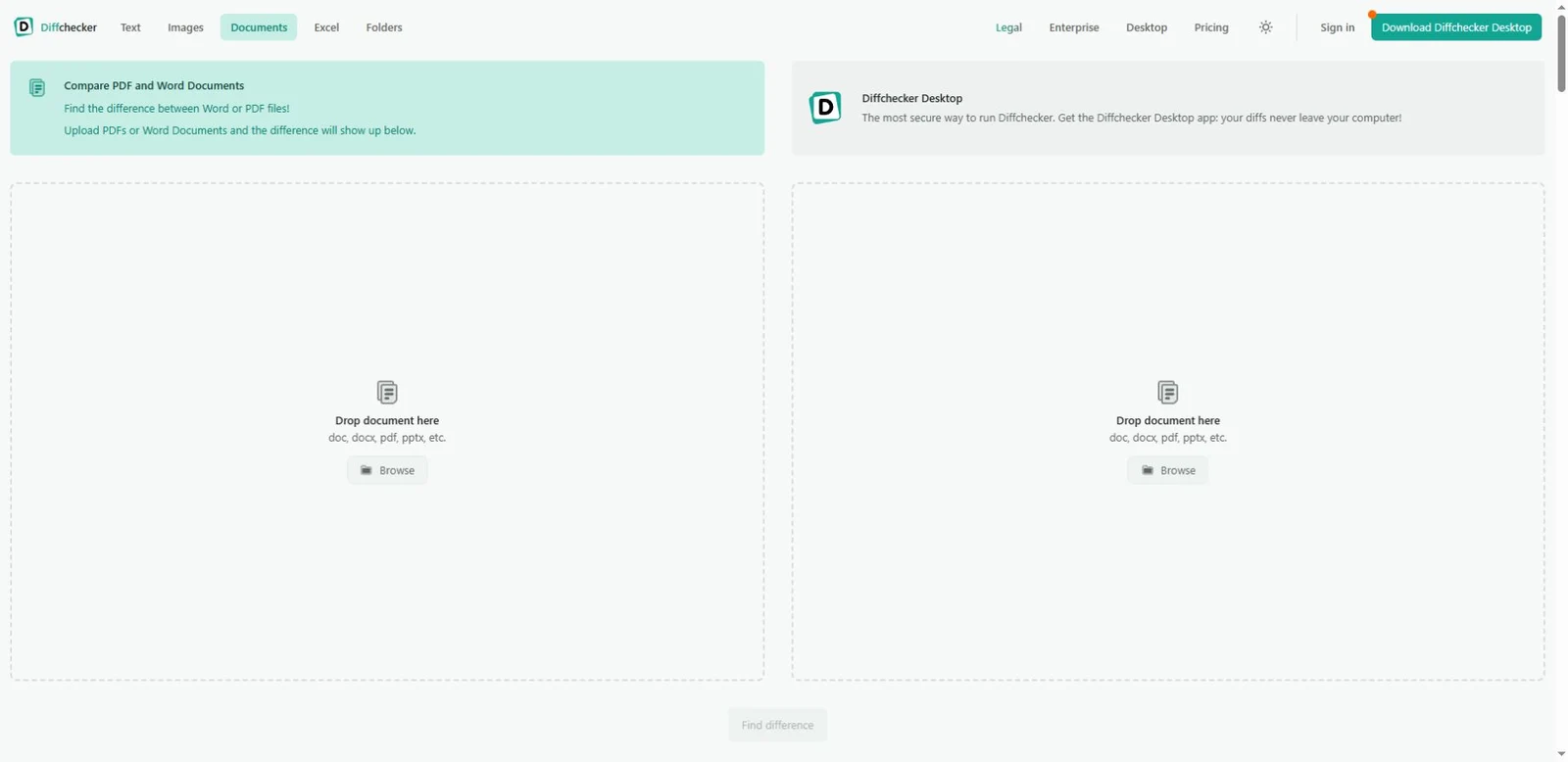
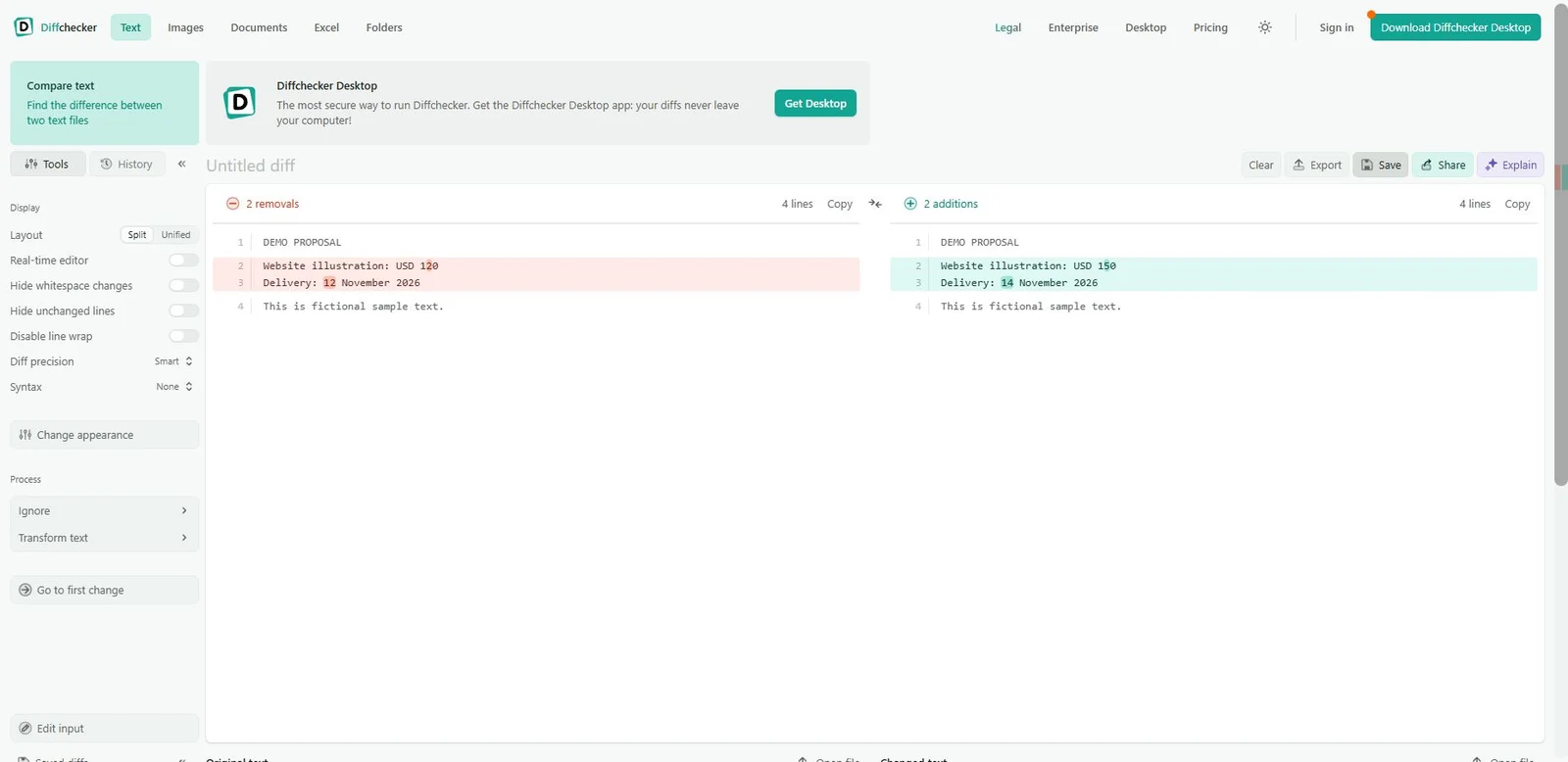
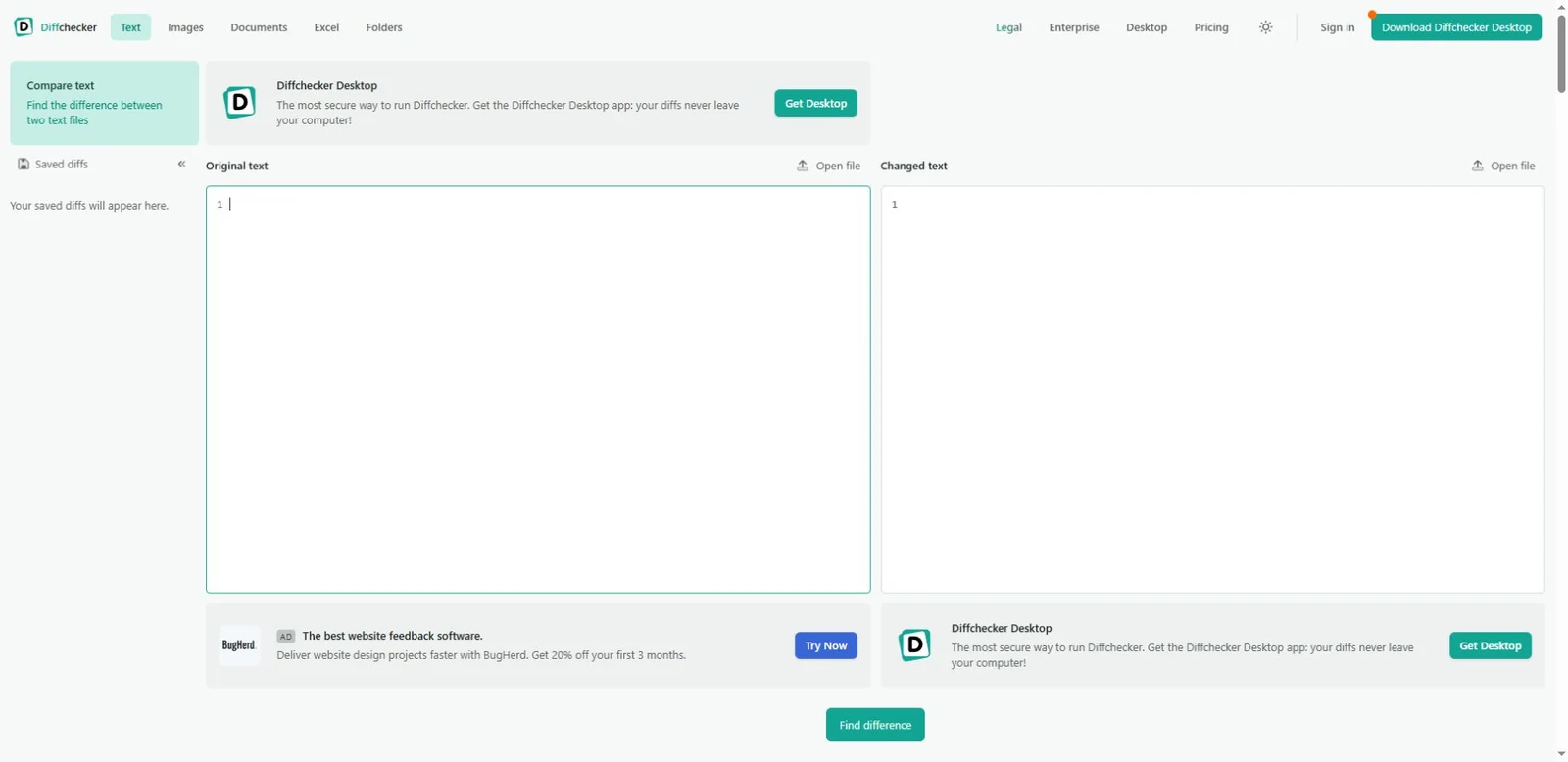
Diffchecker offers several comparison tools, including a document page for PDF and Word files. Two file areas establish the starting action, followed by text, image and OCR comparison views. Our screenshots show the public document interface and a separate comparison of fictional text. The PDF upload workflow was not tested.
What caught our eye
Starting action: Two document areas explain what the visitor needs to provide. The interface distinguishes the original from the changed version.
Product presentation: The supporting images show the public document-comparison interface and a separate text demonstration. In our fictional four-line example, changing a price from USD 120 to USD 150 and a delivery date produced two removals and two additions. No private document was used, and the PDF upload workflow was not tested.
Practical use: Comparing a revised proposal or report gives this tool a concrete task beyond casual entertainment. Confirm current file support and plan limits on the official product page.
Who might find it useful?
Writers, designers and operators comparing revisions of documents or visual work.
Website screenshots